
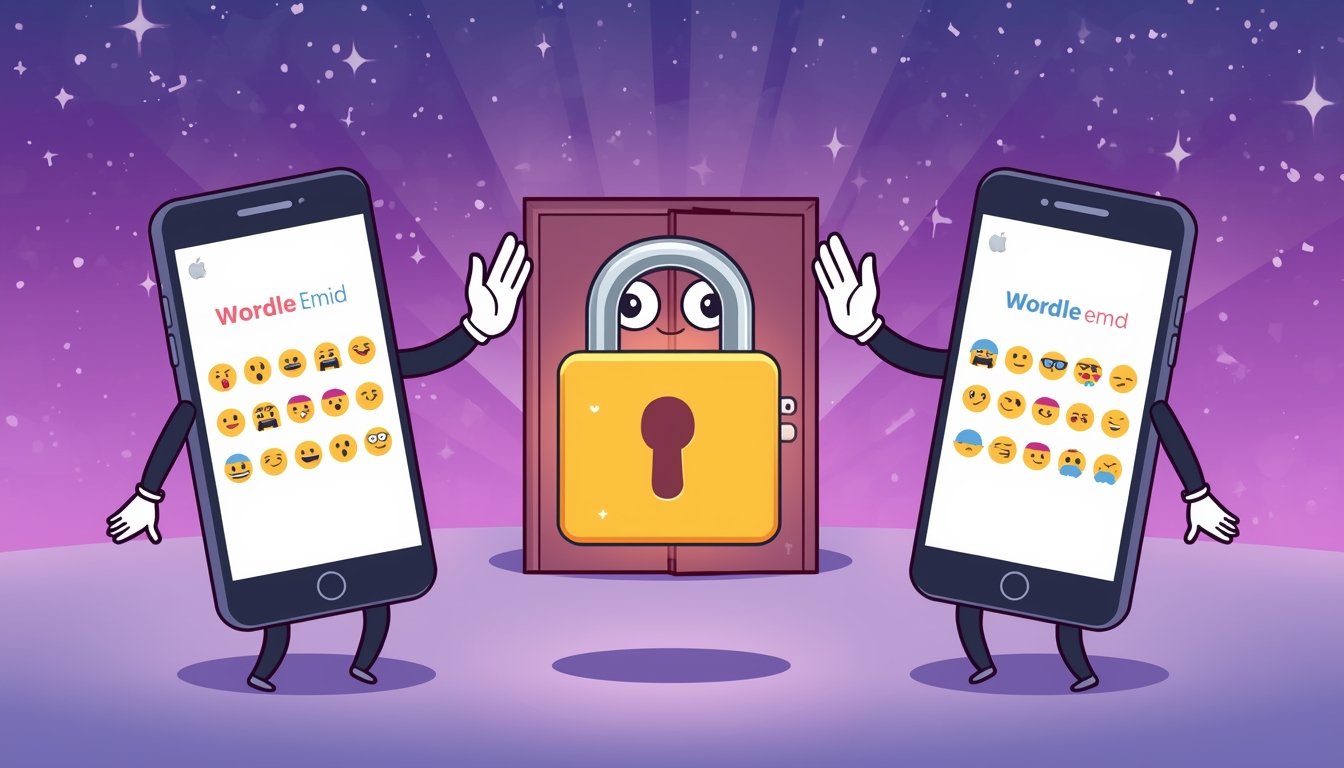
Play together, not just solo
Wordelly has always been about improving your own cognitive performance, but the best motivation is often a friendly rivalry. Two social features make that possible: Challenge Links and Private Rooms.
Challenge Links: send your exact puzzle to anyone
After finishing any Wordle game on Wordelly, you can generate a Challenge Link. This link encodes the exact word you just played, your result, and your emoji score grid, and sends it to anyone you choose, whether or not they have a Wordelly account.
The person who receives the link plays the same word, so your scores are directly comparable. When they finish, they see both results side by side: who guessed it in fewer attempts, who was faster, and what their grid looked like.
- Tap 'Challenge a Friend' after any completed game.
- Copy the link or share it via WhatsApp, Reddit, Facebook, or Twitter.
- Your friend opens the link and plays the same word, no account required.
- Results are compared instantly when they finish.
What makes a good challenge?
The best Challenge Links come from games where you narrowly won, or narrowly lost. Sharing a game you solved in two guesses with a cryptic emoji grid is the perfect bait. Your friends won't be able to resist trying to beat you.
Challenge Links expire after 24 hours, so there's always a fresh one to share from your latest game.
Private Rooms: your own group leaderboard
Private Rooms take social play a step further. Any Premium user can create a Private Room, a named group with a six-character join code. Share the code with your friends, family, or colleagues, and everyone who joins appears on a shared leaderboard.
The Private Room leaderboard ranks members by their cognitive score, accuracy, and solve speed, updated after every game. You can see at a glance who the group's best player is this week, and whether anyone has overtaken you.
How to create or join a Private Room
Getting started takes less than a minute:
- Go to Leaderboard → Private Rooms from the sidebar.
- Click 'Create Room', give it a name, and copy the six-character join code.
- Share the code with anyone you want to compete with.
- Members join by entering the code on the Private Rooms page.
- Everyone's scores update live after each game, no manual entry needed.
Who can create Private Rooms?
Creating a Private Room is a Premium feature, available on both monthly and annual Premium plans. Joining a room that someone else created is free for all registered users, so one Premium player in your group can set up the room for everyone.
Premium members can create multiple rooms: one for work colleagues, another for family, another for a Discord server.